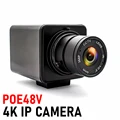
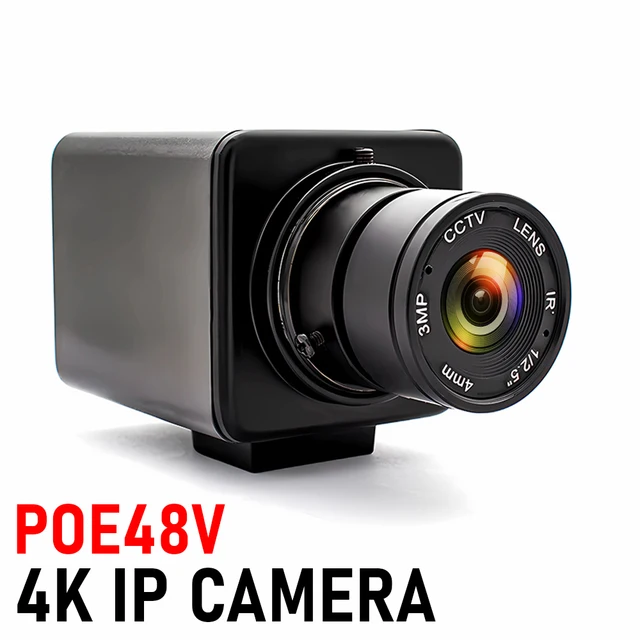
Enhance the flexibility and efficiency of your industrial applications with the customizable WGWK 4K Digital Live Stream POE Camera. Experience high frame rates, excellent low-light performance, and optional lenses for clear and detailed images. Ideal for various embedded applications!
【Best-selling products】IP Network Camera, click the image for direct access to the purchase channel ▶


Enhance the flexibility and efficiency of your industrial applications by choosing our customizable industrial cameras! Whether it's the housing design, cable length, lens specifications, or special features, this camera can provide you with tailored solutions. WGWK 4K Digital Live Stream POE Camera 3/4/5/8MP CMOS Indoor H.265 Onvif Ultra HD Security IP Webcam With Manual Varifocal lens

NOTE:
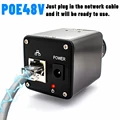
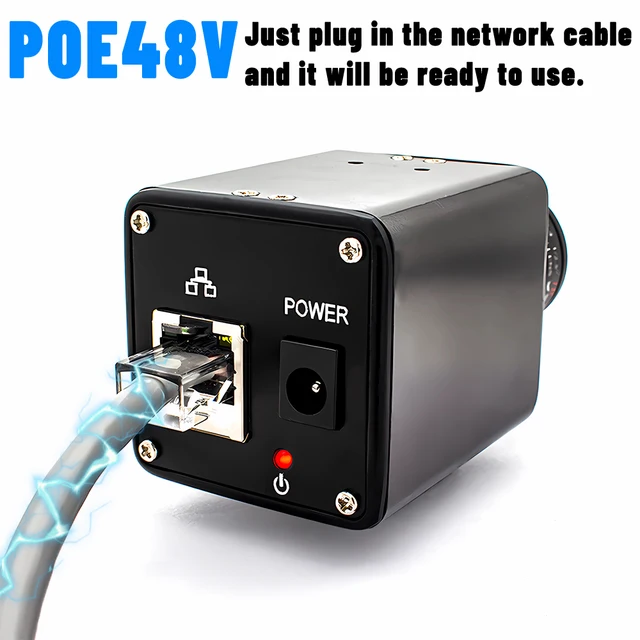
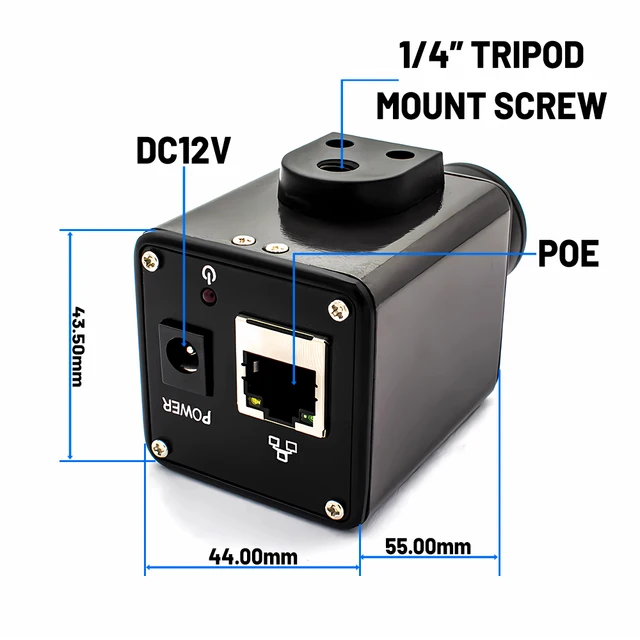
1. Not included Power Adapter, Please contact customer service if you need Power Adapter.(you can choose 48V POE to power on through Ethernet cable interface without the need for a power adapter)
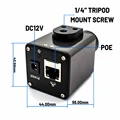
2.Due to manual measurement, please allow an error of 2-3mm Experience our webcam, featuring high frame rates, excellent low-light performance, and optional lenses to ensure clear and detailed images. Its ultra-compact design is perfect for various embedded applications, elevating your visual experience to the next level!
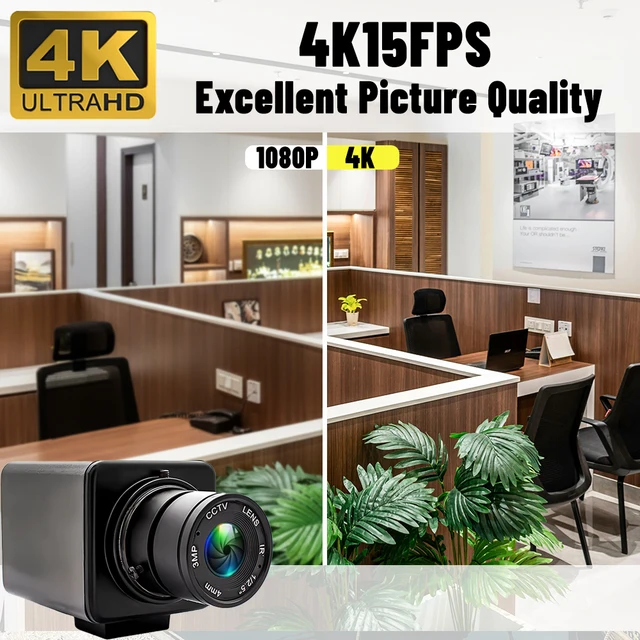
1.High quality 3/4/5/8MP HD IP Camera
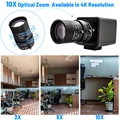
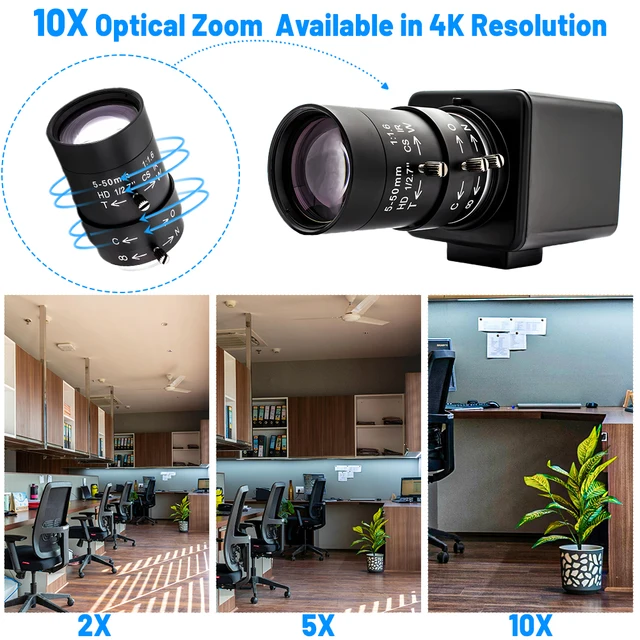
2.2.8-12mm/3.6-10mm/5-50mm Lens can choose
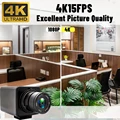
3.High frame rate MJPG– deliver 25fps in 2560×1440 resolution, 25fps in 1920X1080 resolution.
4.CMOS Sensor for high quality image and low power consumption.
5.Super small outline and thin profile for embedded applications.
6.high pixel technology for sharp image and accurate color reproduction.
7.low light performance – ideal for any lighting condition.


-3/4/5/8MP high-definition resolution, low illumination, clear and delicate images;
-Supports 2D/3D noise reduction and digital wide dynamic function;
-Advanced H.265+(compatible with H.265/H.264) video compression technology, ultra-low bit rate, high-definition image quality;
-Supports ONVIF protocol and can access third-party backend/platforms;
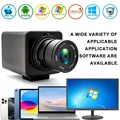
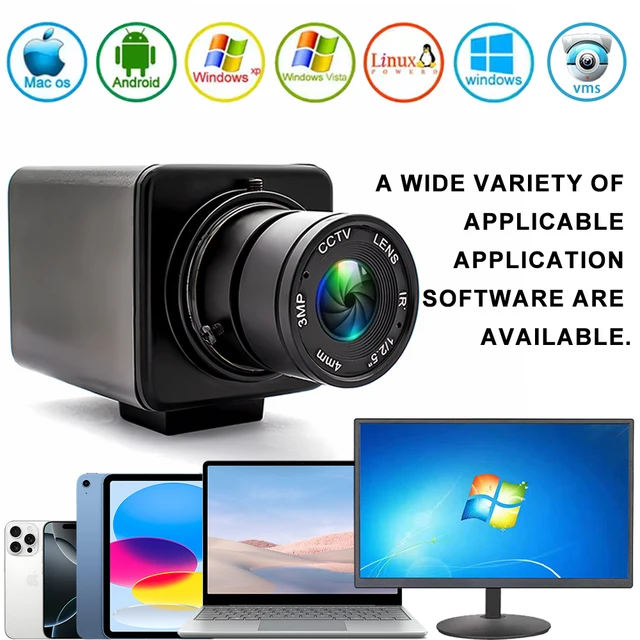
-Support mobile monitoring (iOS, Android);
-Support multiple cloud technologies, achieve network penetration, front-end and back-end docking, and push alarm information to mobile phones and other functions;


 used for all kinds of machine as below:
machinery equipment, all-in-one machine, POS equipment, STB, smart box TV BOX, advisement player, LED display, automatic
vending machine, safety box, notebook, video door phone, MID, Tablet external, evaluator, Medical Equipment, on-the-spot law
enforcement, door bell and button system, cat-eye system, simple security system, teaching system, Interactive system,
automobile data recorder. Project video capture, credit card machine, attendance machine, Voting system, High speed video
shooting Device, exam system, Driving learning system, Industrial camera, biological microscope, box inside surveillance, micro HD
surveillance, endoscope, Medical auxiliary equipment, etc.
About RTSP
Address stream:
Enter the network URL in Please enter network URL:
rtsp://10.6.3.57:554/user=admin&password=&channel=1&stream=0.sdp?
10.6.3.57 This is the IP of the connected device
:554 This is the port number of the RTSP service, which can be changed in the device's network service
user=admin This is the login user name for the device
password= Password blank
channel=1 First channel
stream=0.sdp?Main code stream
stream=1.sdp?Auxiliary code stream
rtsp://192.168.1.10:554/user= admin&password=&channel=1&stream=0.sdp?
rtsp://10.6.3.57:554/user=admin&password=&channel=1&stream=0.sdp?
10.6.3.57 is the device IP address
:554 is RTSP port,can reset in device network service
user=admin is device user’s name
password= no pass word
channel=1 refer to Channel No.1
stream=0.sdp? mainstream
stream=1.sdp? substream
About computer operation and use
Make sure the camera is connected to the power supply and network
(the signal light flashes to prove that everything is normal)
Step 1 : Install VMS
https://download.xm030.cn/d/MDAwMDE2OTA=
Step 2: Login VMS
UserName: admin,Password:admin

Step 3: Find your camera and add


APP download: Search XMEye in Apple Store


About us:
1. We only ship to confirmed order addresses. Your order address MUST MATCH your Shipping address. If Your Address is Defined As Remote Area, You'll Need Pay Extra Remote Shipping Fee.
2. If you have any question, Please leave us a message. Our goal is customer satisfaction!
3. Retail and Wholesale are All Welcome ! The More You Buy, the More Discounts You Get ! Feel Free to Contact us For More Selections!
4. SERVICE TRANSIT TIME is provided by the carrier and excludes weekends and holidays. Transit time may vary, particularly during the holiday season.
5. All returned items MUST BE in the original packaging and you MUST PROVIDE us with the shipping tracking number, specific reason for the return, and your order ID.
6. We maintain high standards of excellence and strive for 100% customer satisfaction! Feedback is very important. We request that you contact us immediately BEFORE you give us neutral or negative feedback, so that we can perform up your satisfaction.





Follow us on: